
How to Use Recurring Buy on the Gate.io app?

- Log in to your Gate.io app and tap [Express] on the homepage.
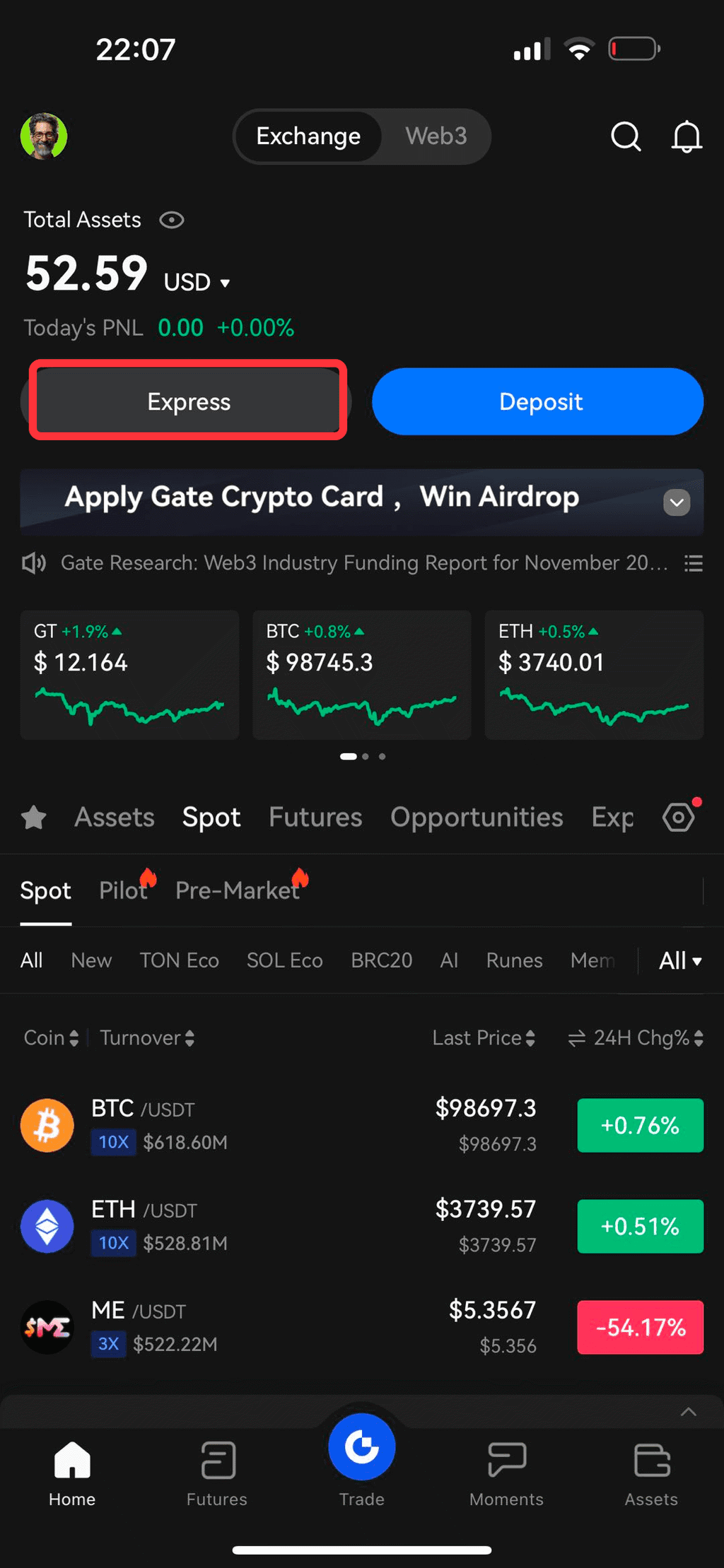
- Tap [Express] on the top of the page, and switch to [Recurring Buy].
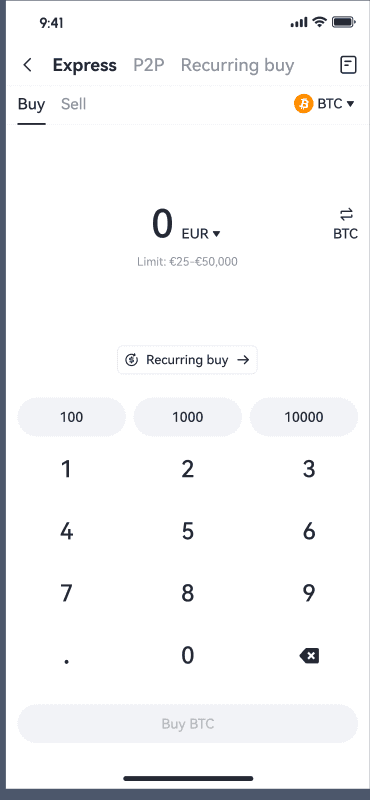
- You can view all the available cryptocurrencies for Recurring Buy. Tap the filter on the right to see the top-performing cryptocurrencies over different periods. Then, select the crypto you want to set for automatic purchases with Recurring Buy.
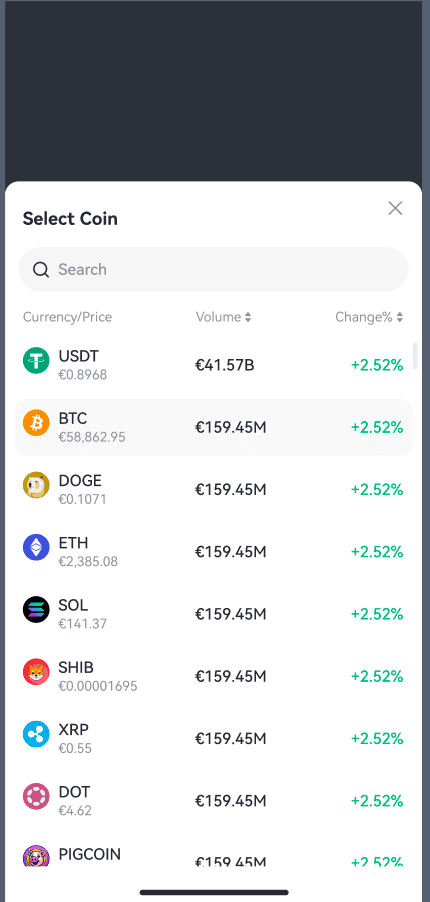
- Select the fiat currency you want to use and enter the amount.
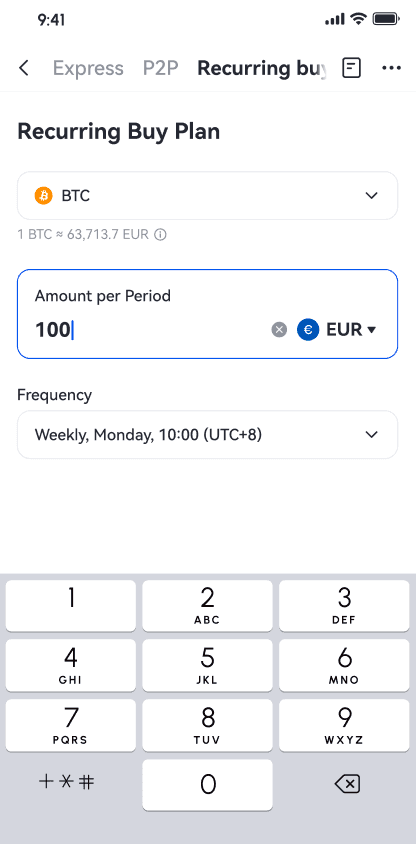
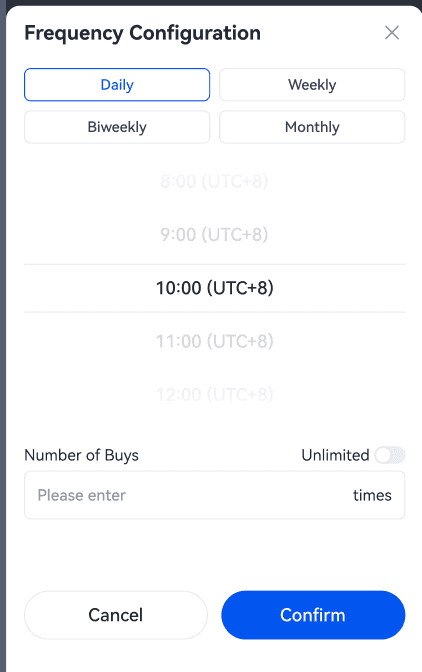
- Tap on the date to set up the frequency of your recurring purchase: daily, weekly, bi-weekly, or monthly. You can also select the specific day and time for the purchase. After setting your preferences, tap [Confirm] to save. To finalize, tap [Recurring Buy] to proceed.
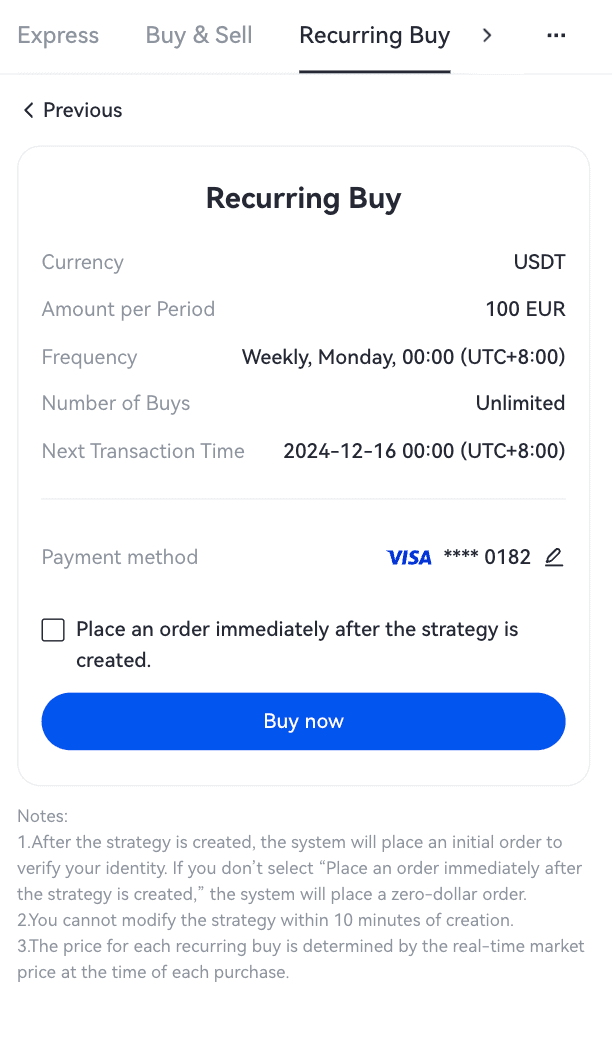
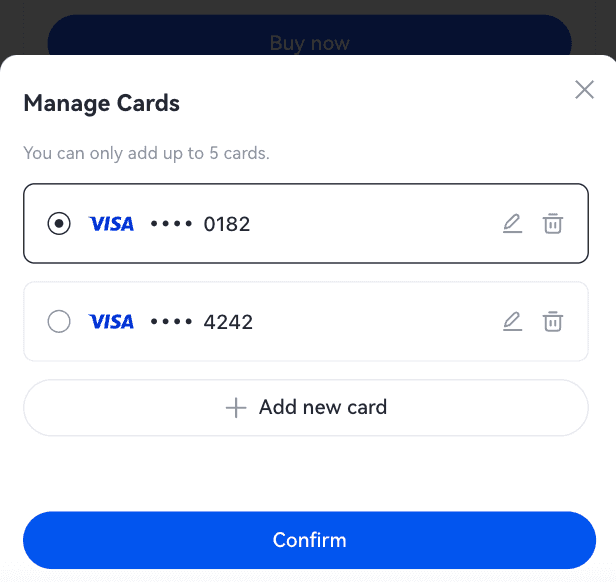
- Select a payment method and tap [Buy Now].
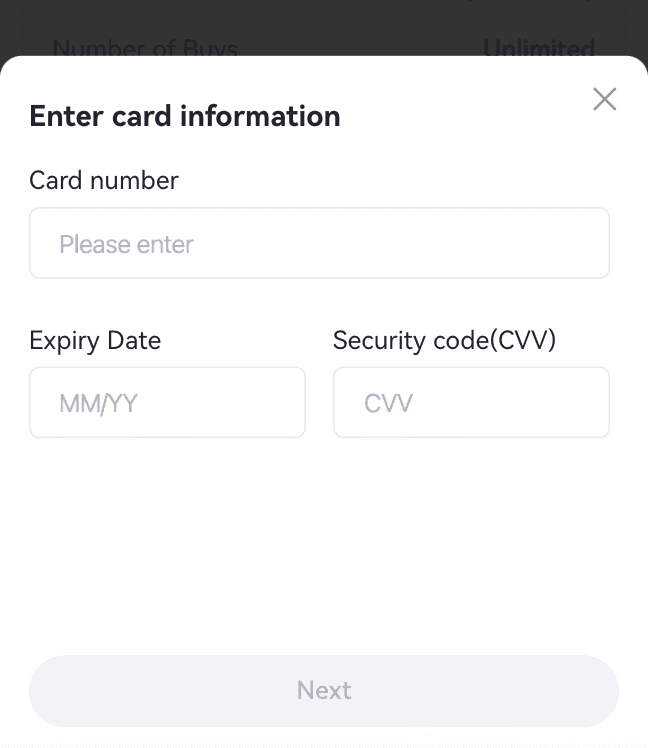
- If you haven’t added a credit/debit card before, you’ll be prompted to do so at this step.
- Once you have successfully added your card, you may proceed with your order and review your order details.
- Tap [Confirm] and wait for your order to be processed.
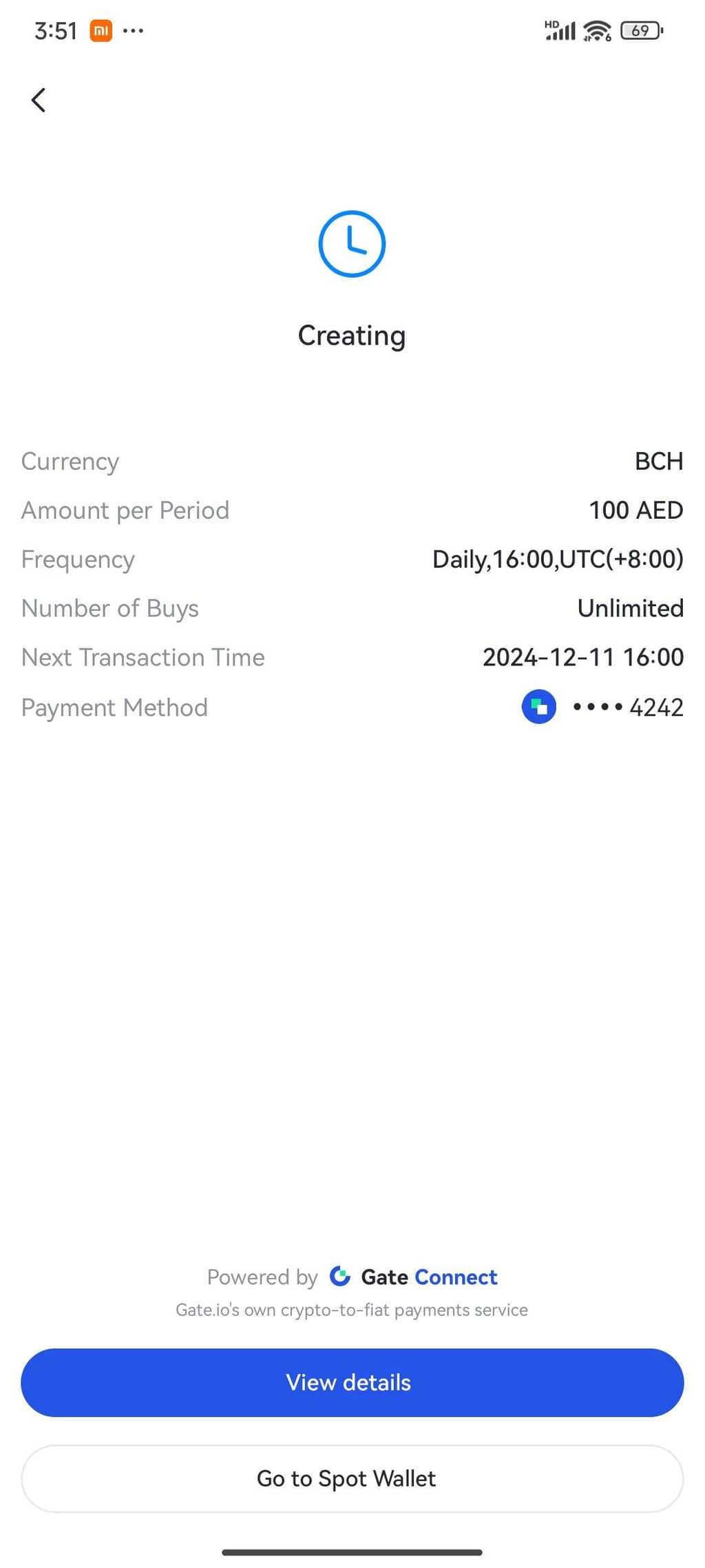
- You can see the purchased crypto in your Spot Wallet by tapping [Go to Spot Wallet]. To check your order history, tap [View details].Important notes:
- The first payment will be charged after you confirm the order. Please review the order details carefully before tapping [Confirm].
- You might be redirected to this page when we process your order.
- You can check your order status by tapping [View History].
- You will receive a confirmation message once your transaction has been successfully processed.
How to manage Recurring Buy on the Gate.io app?
1.To manage your Recurring Buy plans, tap the transaction history icon.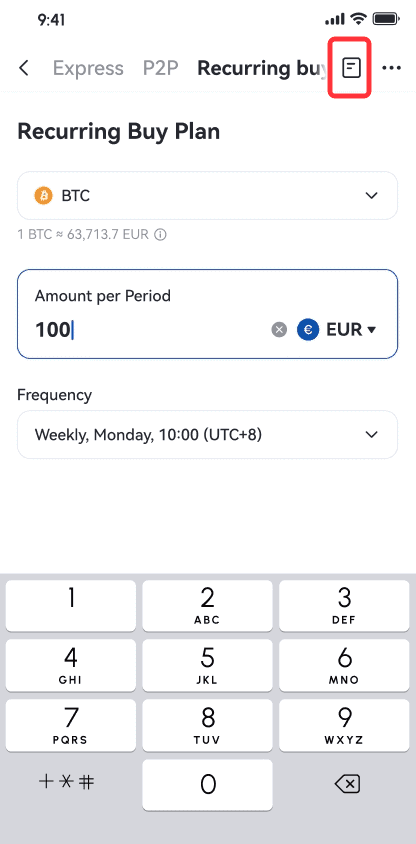 2.Select [Recurring Plan] to view all orders. Tap on the plan you would like to change.3.Tap [Manage].To change your plan:3.1. You can change the frequency by tapping [Edit frequency].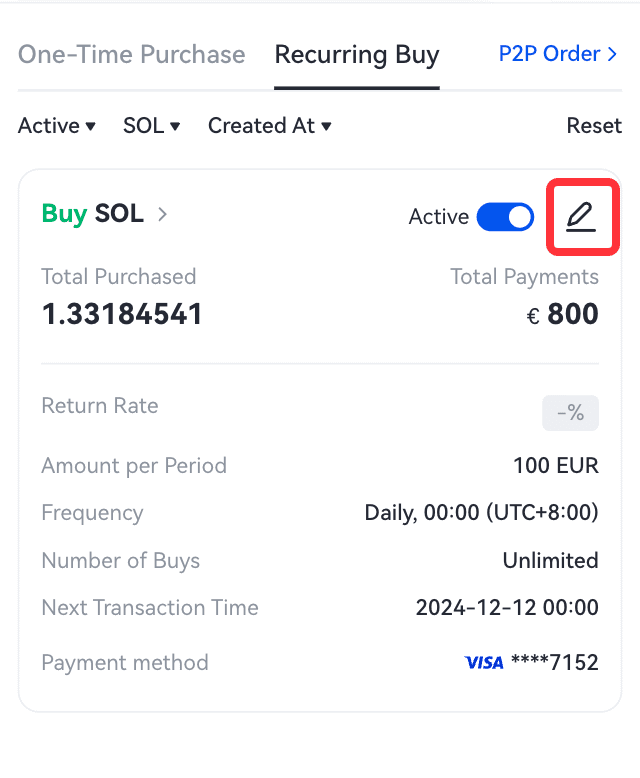
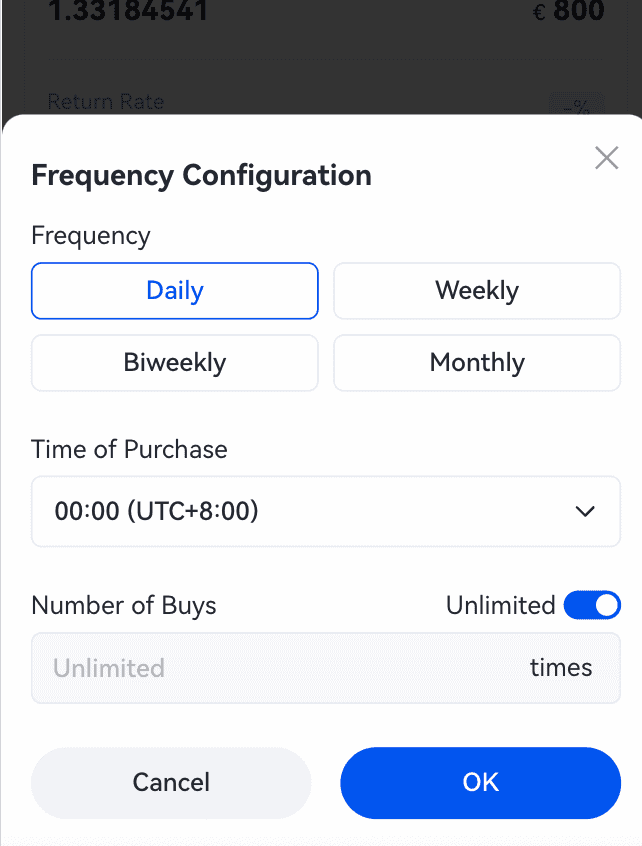 3.2. Check your new plan details and tap [Confirm].
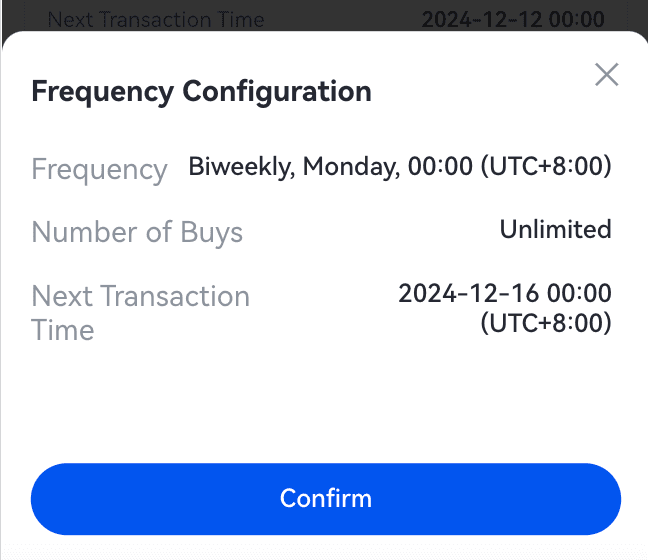 3.3. Your Recurring Buy plan has been changed.To stop your plan:4.1. Tap [ON/OFF] to stop the plan.
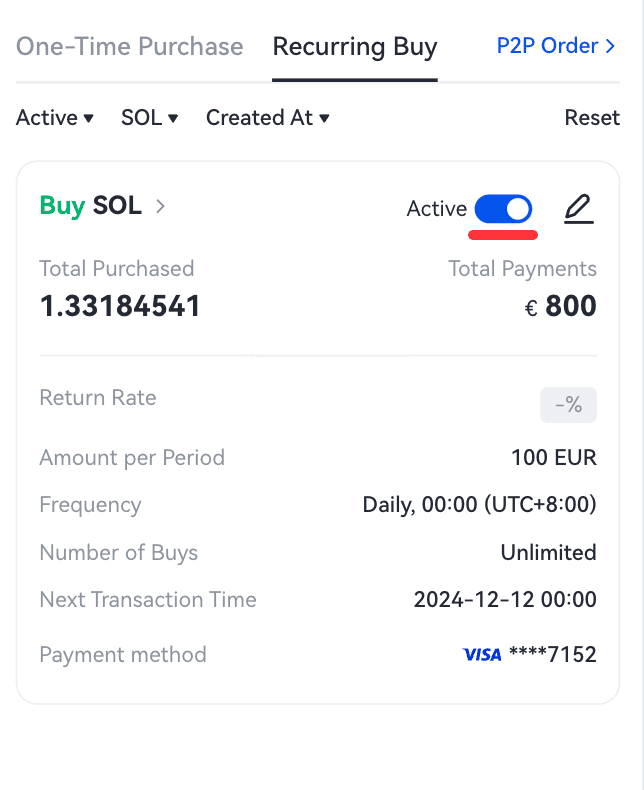 4.2. Once you tap [Confirm], your Recurring Buy plan will stop immediately.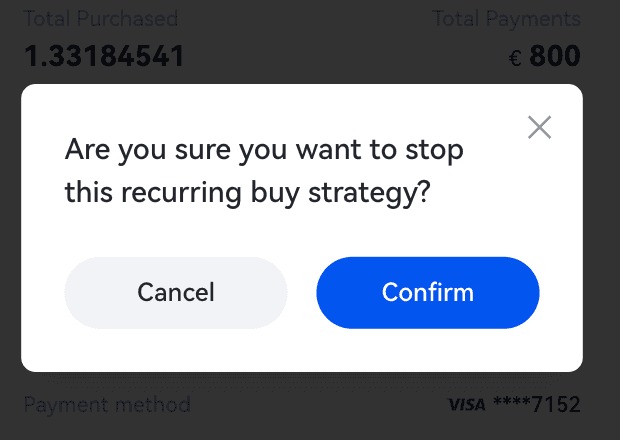
加入CoinCarp社群:
X (Twitter) | Telegram | Reddit
立即下载 CoinCarp 应用程序: https://www.coincarp.com/app/


